





 Support Center
 Contact us
"HiTooler Image Inpainter" FAQs
How to quickly remove the watermark on the picture?
1. Download and install "HiTooler Image Inpainter", and open it after installation. If it is already installed, you can open it directly.
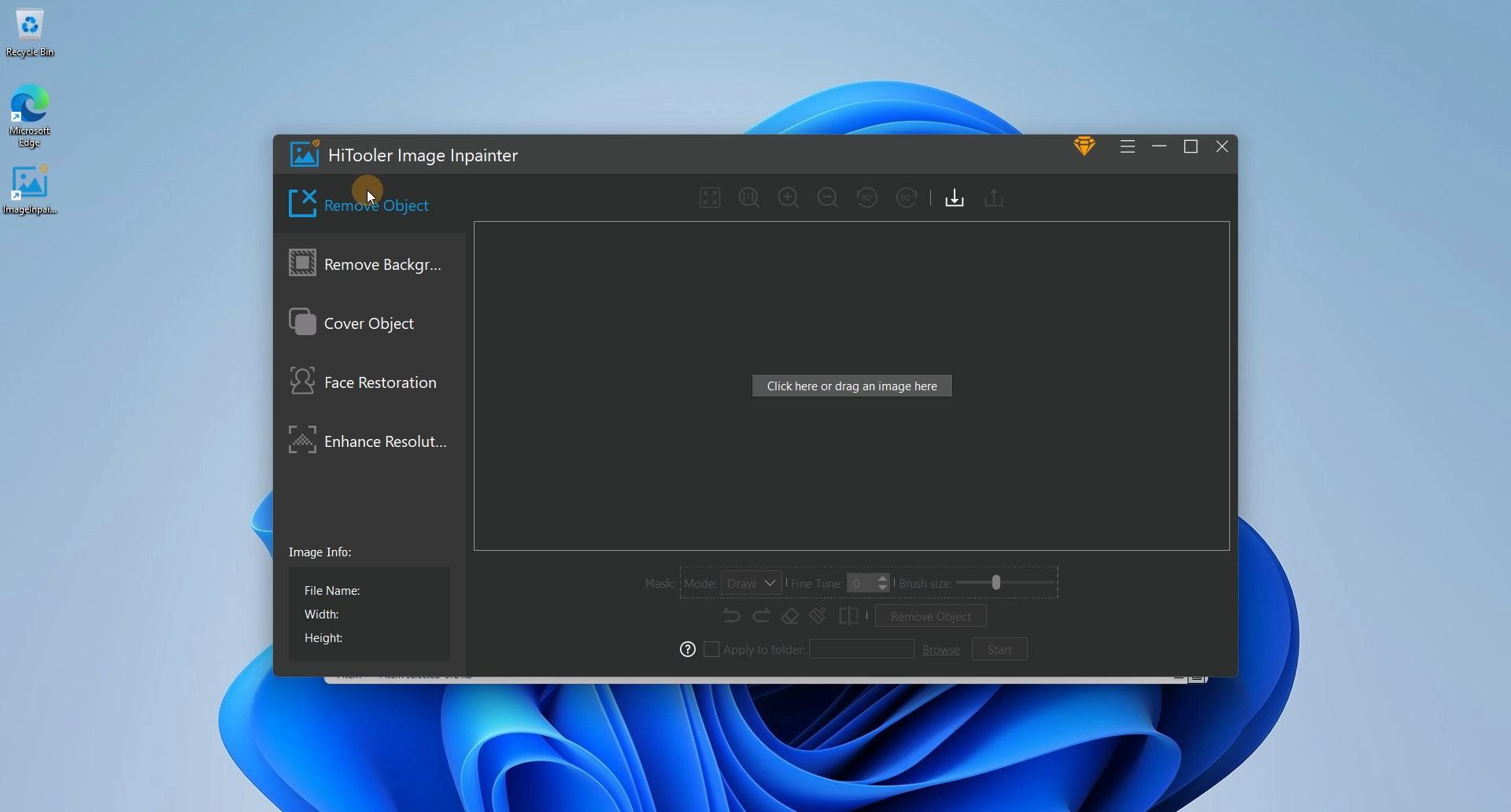
2. Click the "Remove Object" panel on the left side of "HiTooler Image Inpainter".
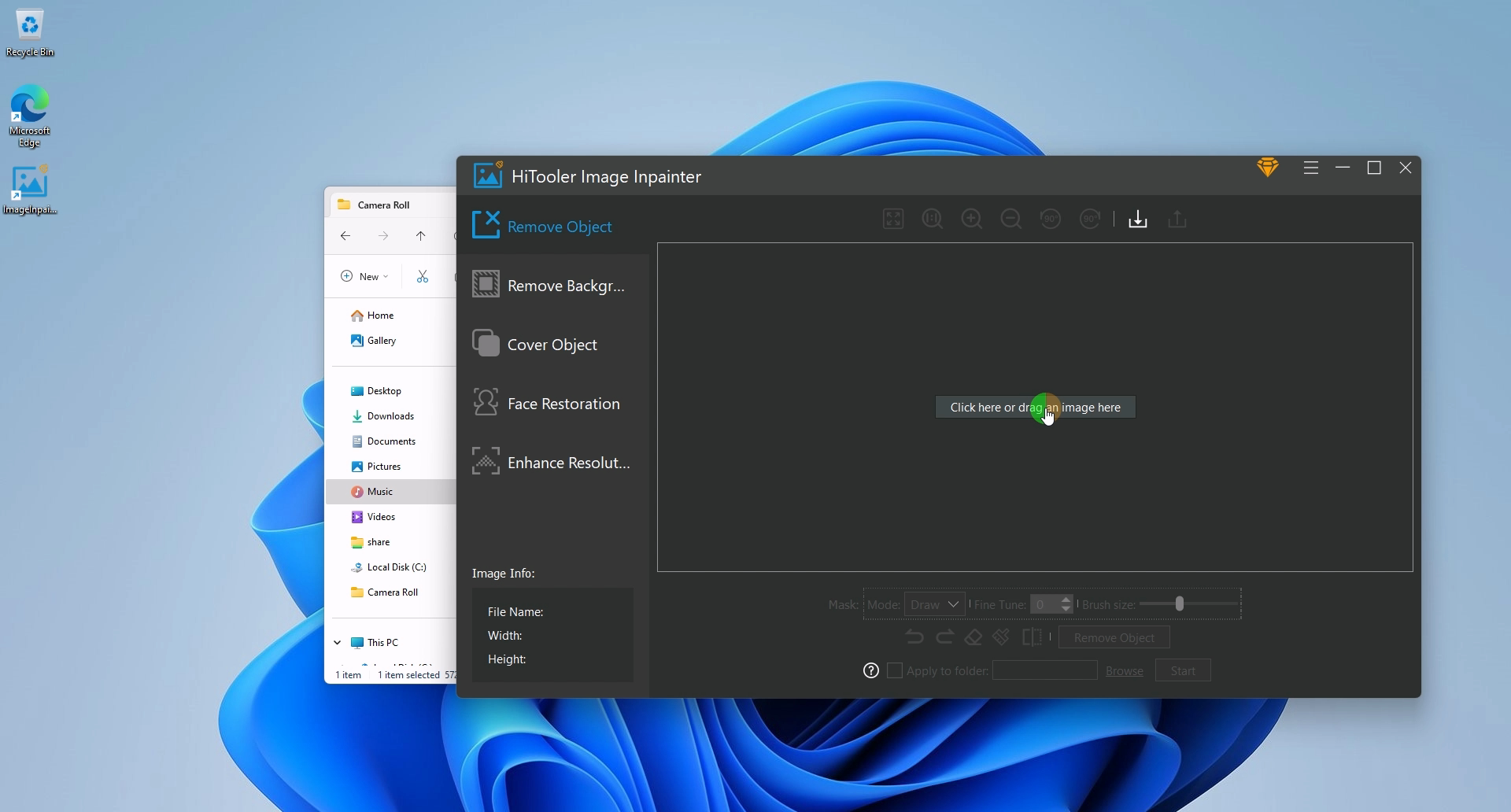
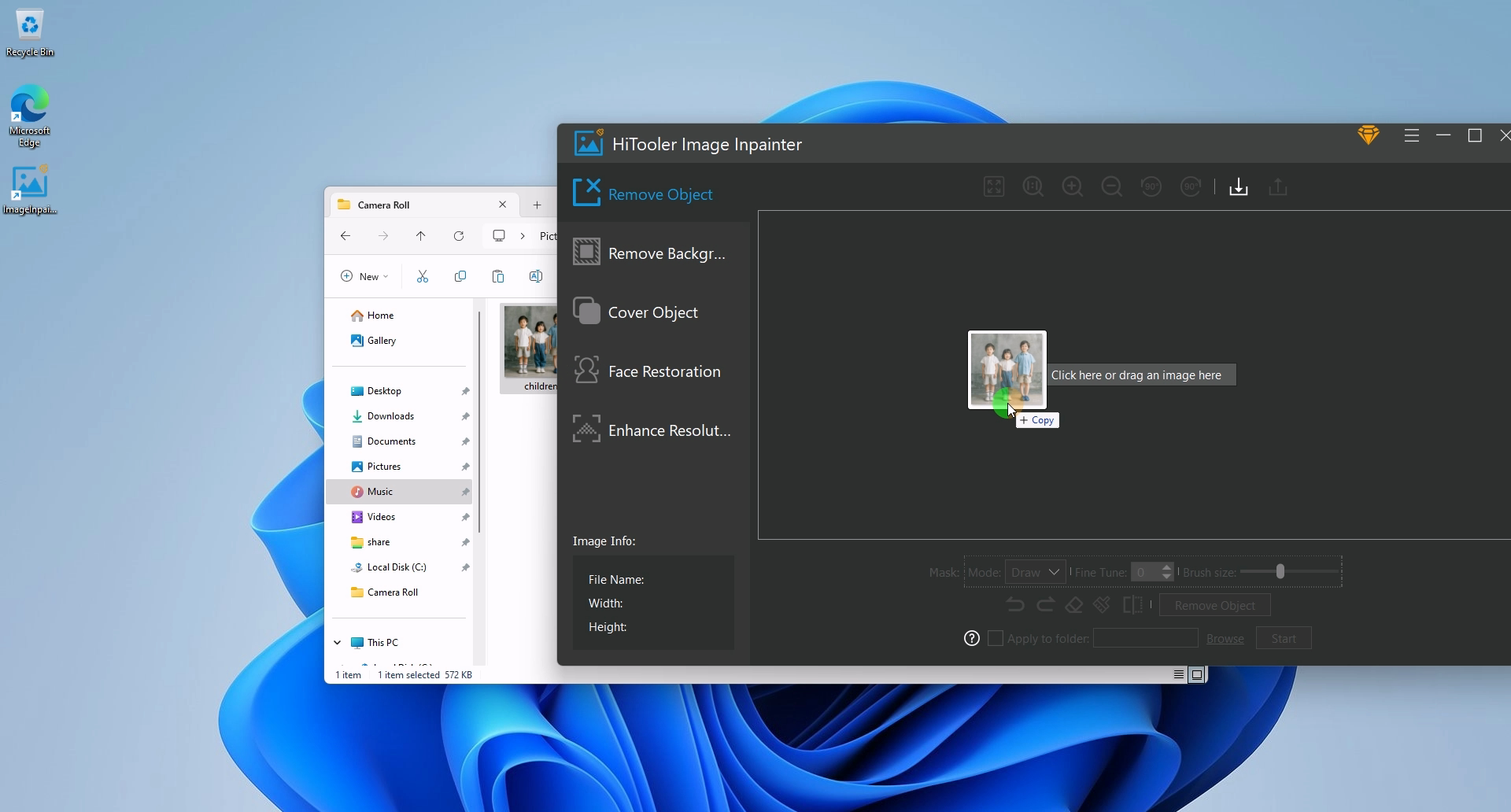
3. Click the Import button or drag a photo to the picture display area to open a photo.
4. Find the "Mask" area in the options area below the picture display area, select the "Mask" mode as "Draw", and adjust the brush size on the right side of the "Mask" area. Drag the mouse on the picture to draw the mask. Note that the mask should cover the entire watermark, but it should be as small as possible, and can exceed a few pixels.
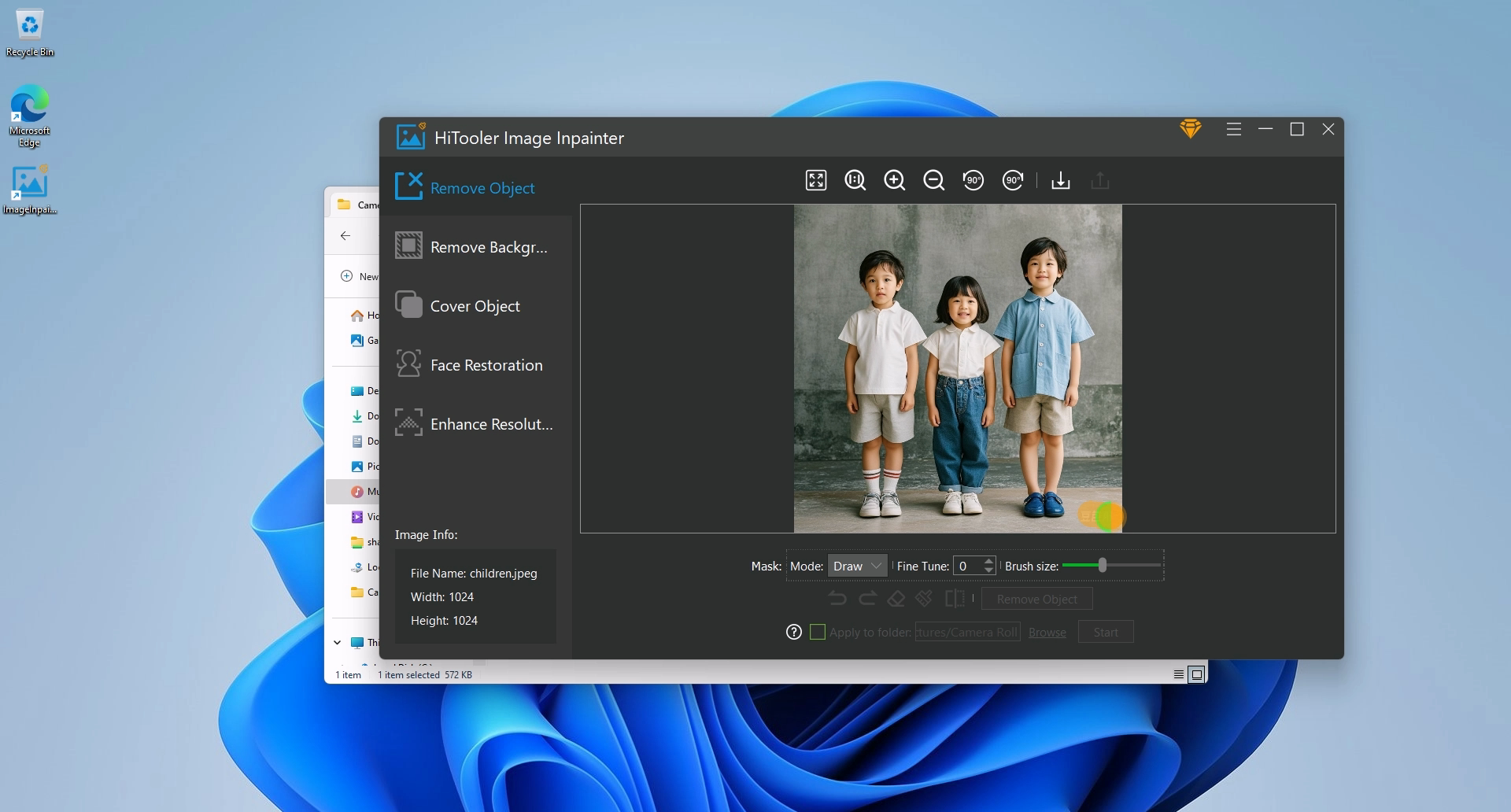
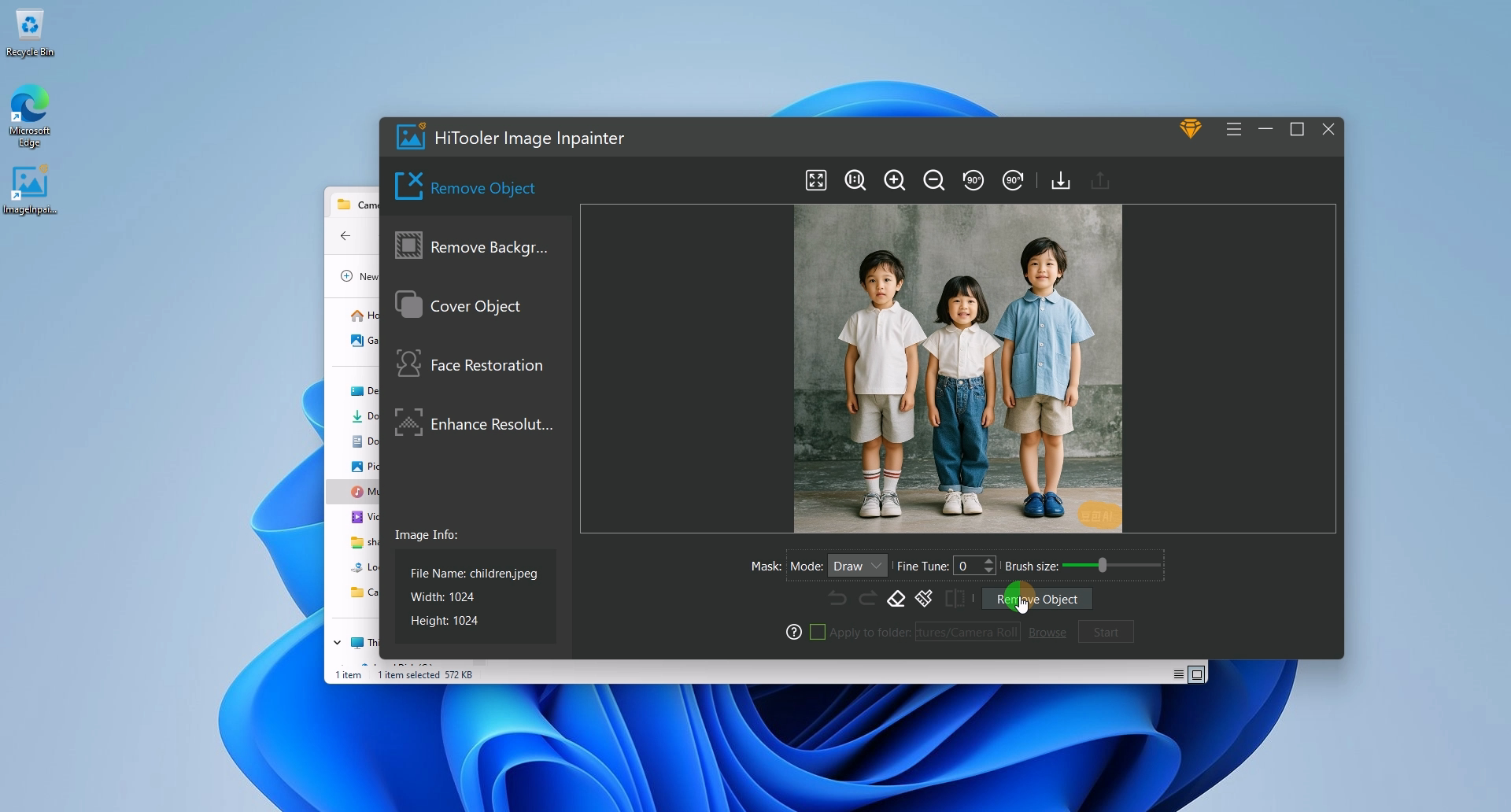
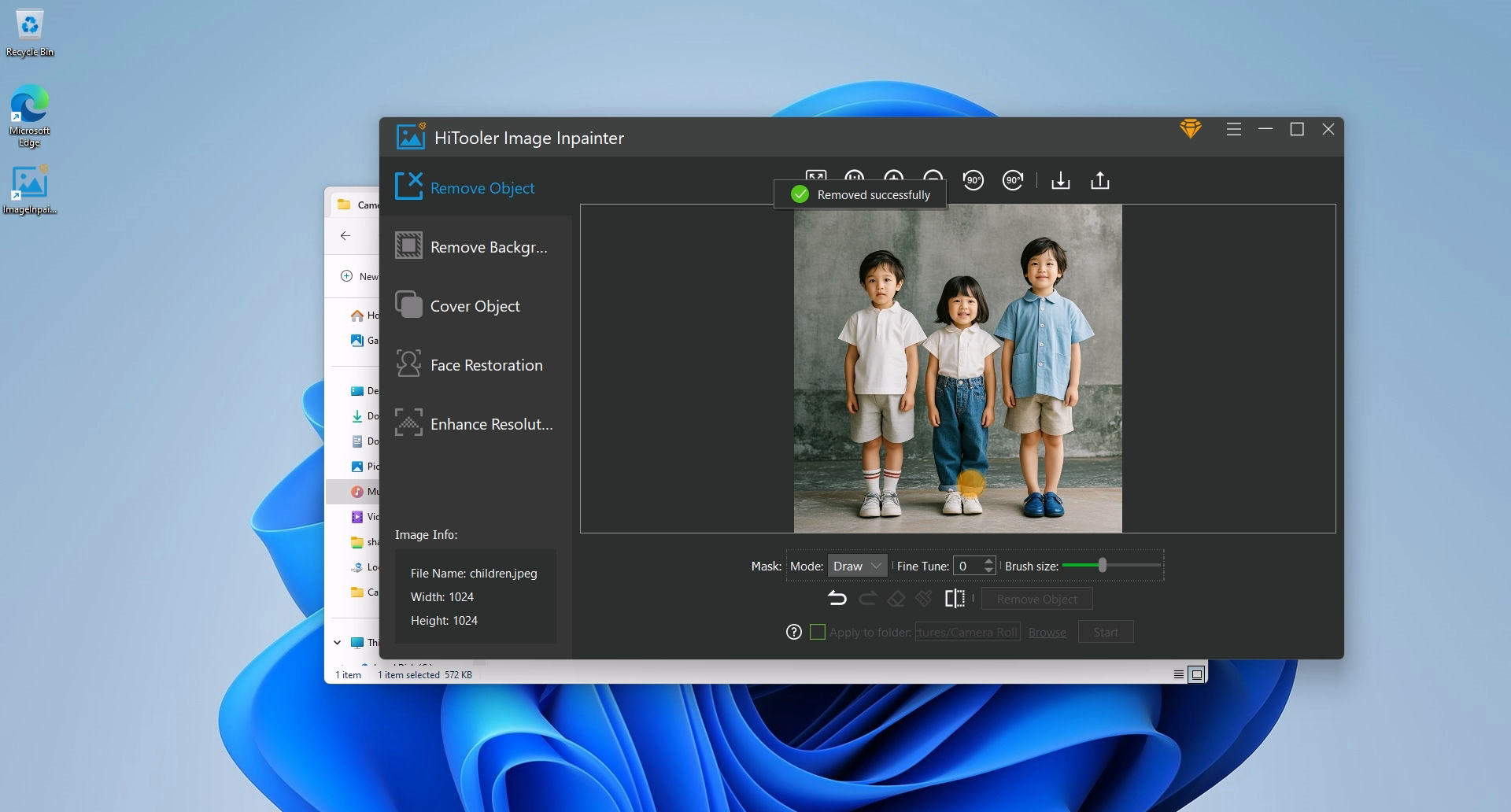
5. After the "Mask" is completed, click the "Remove Object" button below and wait for the removal to complete. Note that it will be a little slower when used for the first time because AI data needs to be loaded.