Important Notice: Since the original domain (hitooler.com) is no longer active, it has been updated to the new domain (myhitooler.com). All software needs to be updated to the latest version to continue using it.
1. Download and install "HiTooler File Finder", and open it after installation. If it is already installed, you can open it directly.
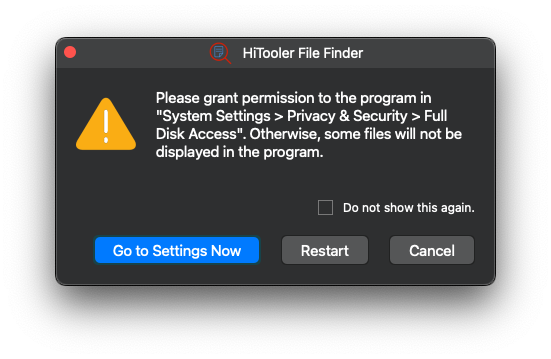
2. Grant the software full access to your disk.
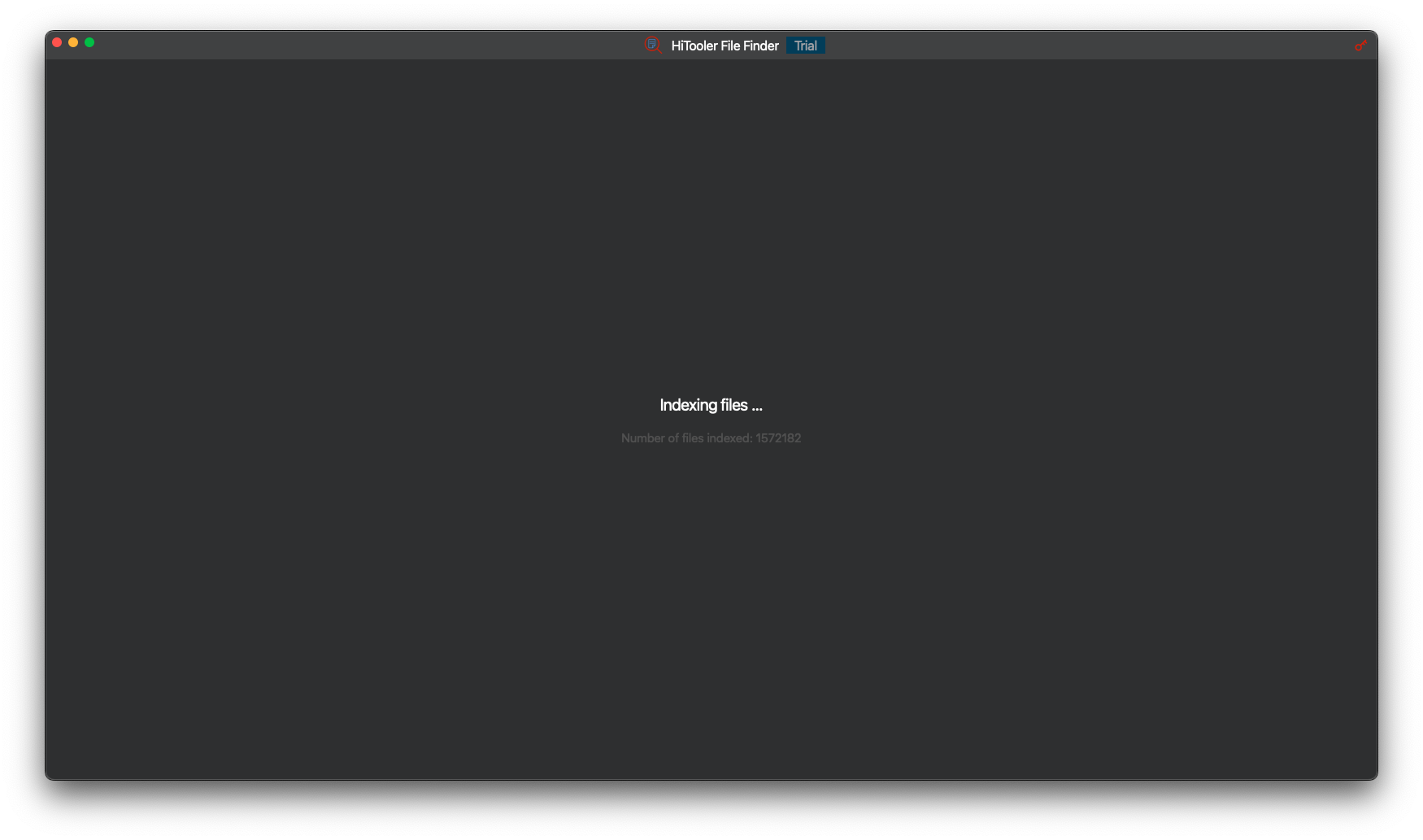
3. Wait for the software to finish indexing all files on your system.
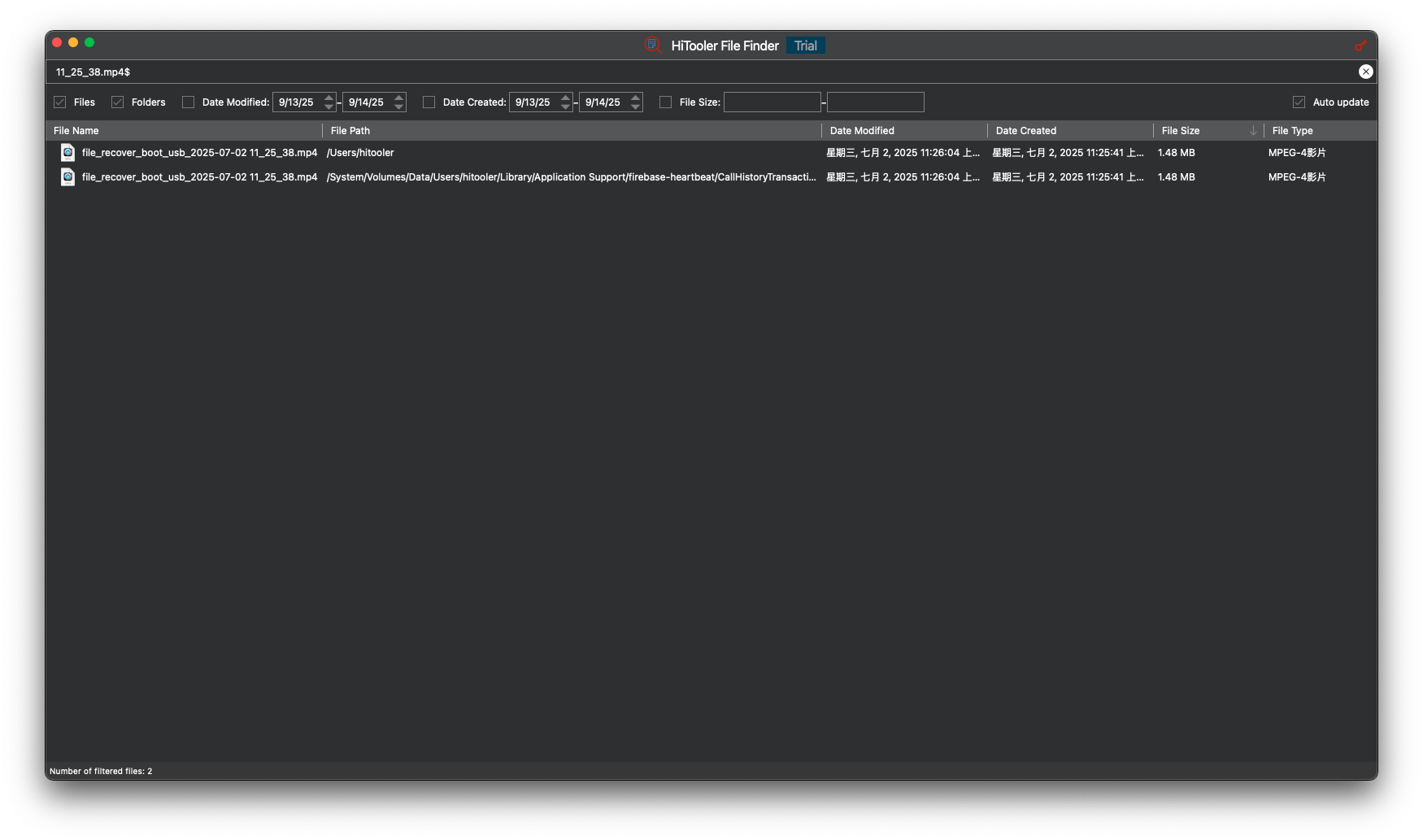
4. Enter a file name in the search box above. You can enter a full file name or a portion of it. A list will appear below showing all files containing that string.








 Support Center
 Contact us